Convert a Webster Bank bank statement to Excel
Convert a Webster Bank statement PDF to Excel or CSV in your browser. StatementSift detects date, description, amount and balance columns, then checks row-by-row balance continuity before export. Webster Bank statements use this layout: Date, Description, Withdrawals, Deposits and Balance — credits and debits in separate columns on the deposit statement.
- Choose PDF
- Review transactions
- Export your data
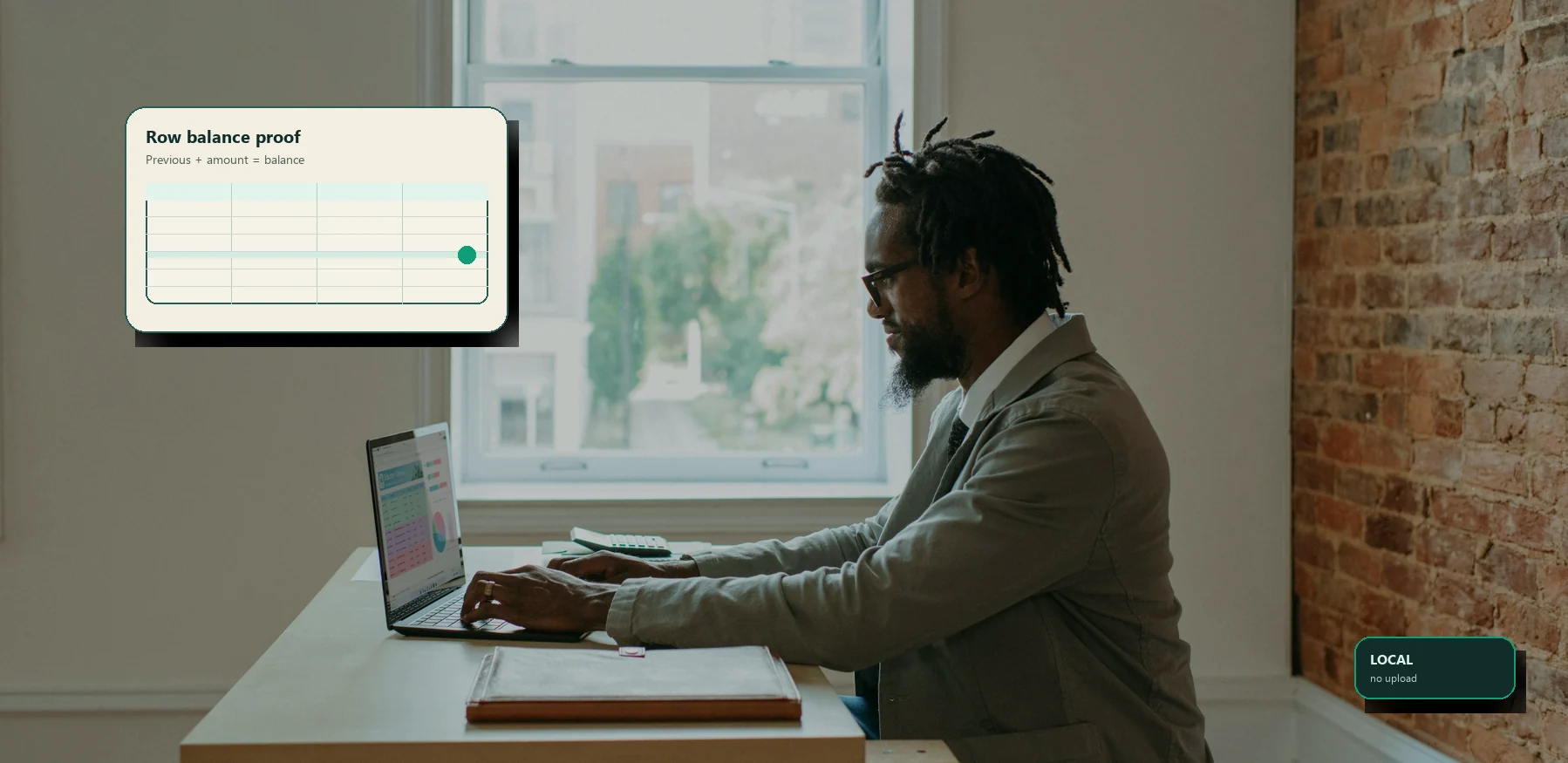
Choose a PDF with selectable text from online banking. Parsing runs locally; incomplete balance evidence is marked for review. Check the extracted rows against your statement before exporting.
Columns
Date, Description, Withdrawals, Deposits and Balance — credits and debits in separate columns on the deposit statement.
Best source
Download the PDF statement from Statements & Documents in Webster online banking. The text-based PDF gives the cleanest conversion — avoid screenshots.
Review target
Flagged rows, opening and closing balances.
Watch-outs for Webster Bank statements
Webster Bank separates money out and money in into debit and credit columns. If a row is flagged, first check whether the sign was assigned correctly.
Wrapped merchant descriptions can push the next line out of alignment; check long descriptions when the balance proof fails.
Opening balance, closing balance and page-break continuation rows are not ordinary transactions, so review the first and last rows on multi-page statements.
How to convert a Webster Bank statement
- 1
Download your Webster Bank statement as a text-based PDF from online banking.
- 2
Drop the PDF into the local converter on this page.
- 3
Review detected columns, opening and closing balances, and every flagged row.
- 4
Export to Excel, CSV, or QuickBooks/OFX only after the reconciliation looks right.
Frequently asked questions
No. Reading the PDF, detecting rows, checking balances and building the export all run locally in your browser. Your Webster Bank statement is not uploaded or sent to an AI service.
Download the PDF statement from Statements & Documents in Webster online banking. The text-based PDF gives the cleanest conversion — avoid screenshots.
Treat the export as a format conversion, not financial, accounting, tax or legal advice. Verify key figures and consult a qualified professional before relying on the output.
Updated · StatementSift team