About StatementSift
StatementSift turns bank-statement and invoice PDFs into clean Excel, CSV or QBO files — and does the whole job inside your browser, so the financial data never leaves your computer. This page explains how the tools work and who stands behind them.
What StatementSift does
Bookkeepers, small-business owners and cross-border sellers spend hours retyping numbers from PDF statements into spreadsheets. StatementSift removes that step: drop in a bank statement, invoice or receipt PDF and get back a structured Excel / CSV / QBO file with the date, description, amount and balance already separated into columns and reconciled row by row.
It is free, has no page limit and needs no sign-up. Because the conversion happens locally, there is also nothing to subscribe to and no file size quota beyond what your own browser can comfortably handle.
How the tools work
Everything runs in your browser
When you drop a bank statement or invoice PDF onto a tool, the file is read, parsed and exported to Excel, CSV or QBO by JavaScript and WebAssembly running on your own machine. There is no upload step — the hosting layer only serves the page assets, so your account numbers, balances and transaction lines never leave the device.
How columns are detected
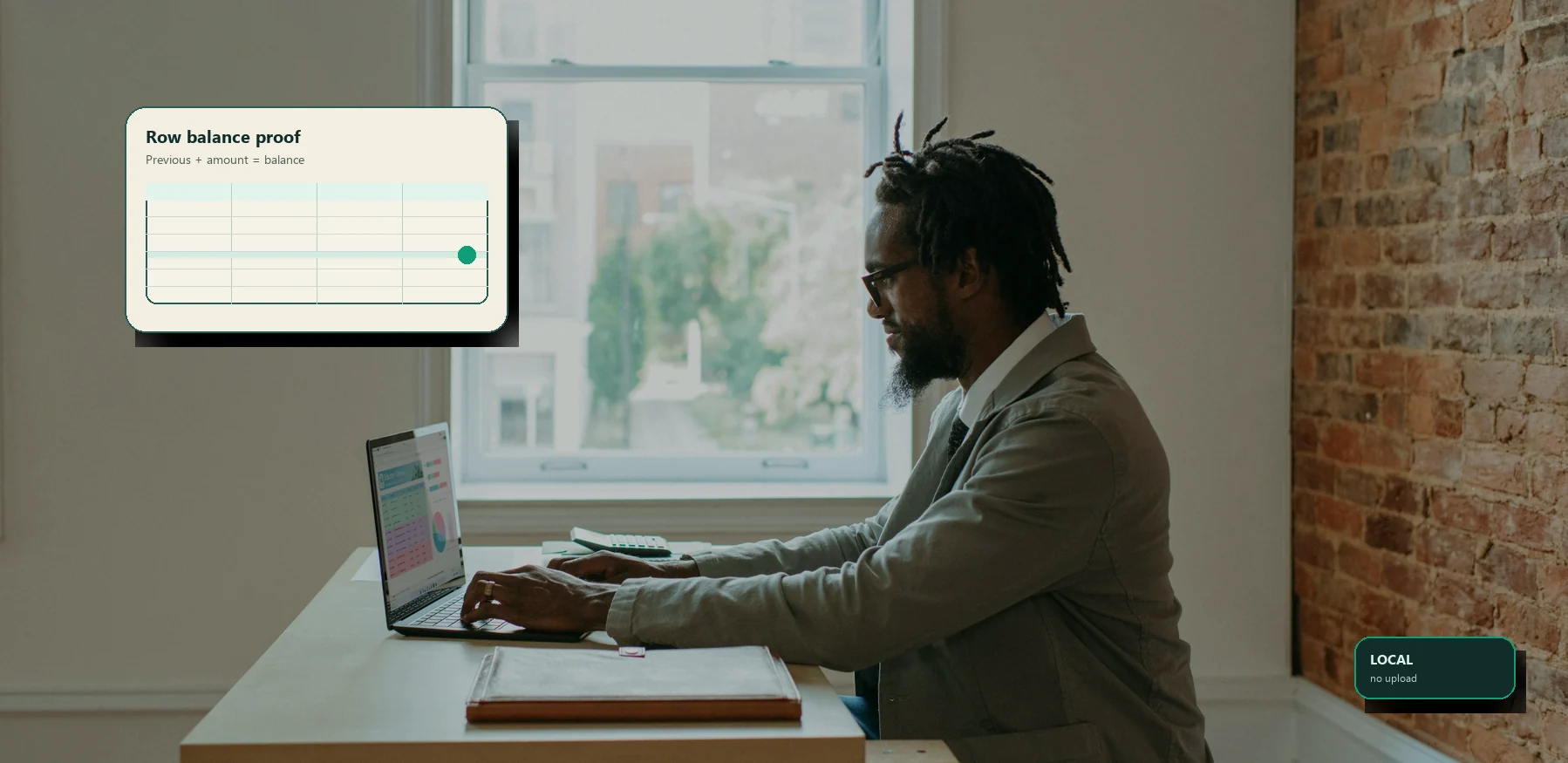
We look at the geometry of the PDF text — the x-position of each token, the recurring vertical rhythm of rows, and known header words like Date, Description, Debit, Credit and Balance — to map each line into structured fields. Running-balance arithmetic is then used as a check: if the per-row debits and credits do not reconcile against the printed balance, the row is flagged rather than silently exported.
Dates: MM/DD vs DD/MM
A statement that reads 03/04 is ambiguous on its own. Rather than guess, we infer the order from the whole document: a single field above 12 settles it, and the monotonic progression of the statement period disambiguates the rest. When a column genuinely cannot be resolved, the tool surfaces it for your review instead of committing to a silent, possibly wrong interpretation.
Edge cases fail safe
Scanned or image-only PDFs, multi-currency statements and unusual layouts are the hard cases. The tools favour an honest 'needs review' over a confident wrong answer, and we always recommend checking opening and closing balances against the source before you rely on an export.
Who maintains StatementSift
StatementSift is built and maintained by a small independent editorial and engineering team focused on document-conversion tooling. We do not claim named certified accountants or invented credentials — what we offer is a transparent method, layouts we test against real bank formats, and an honest account of where the tools are strong and where they still need a human eye.
StatementSift only converts file formats and flags likely row-level errors. It is not financial, accounting, tax or legal advice — for those, consult a licensed professional, and always verify key figures against the original statement before you rely on them. Questions or corrections are welcome at info@statementsift.com.
Updated · StatementSift team